UX Research

UX user testing: observe to design better.

Whether in Brussels or Wallonia, I support Belgian and European companies and organisations with structured testing sessions, remote or in person, to produce learnings that are actionable the very next day.
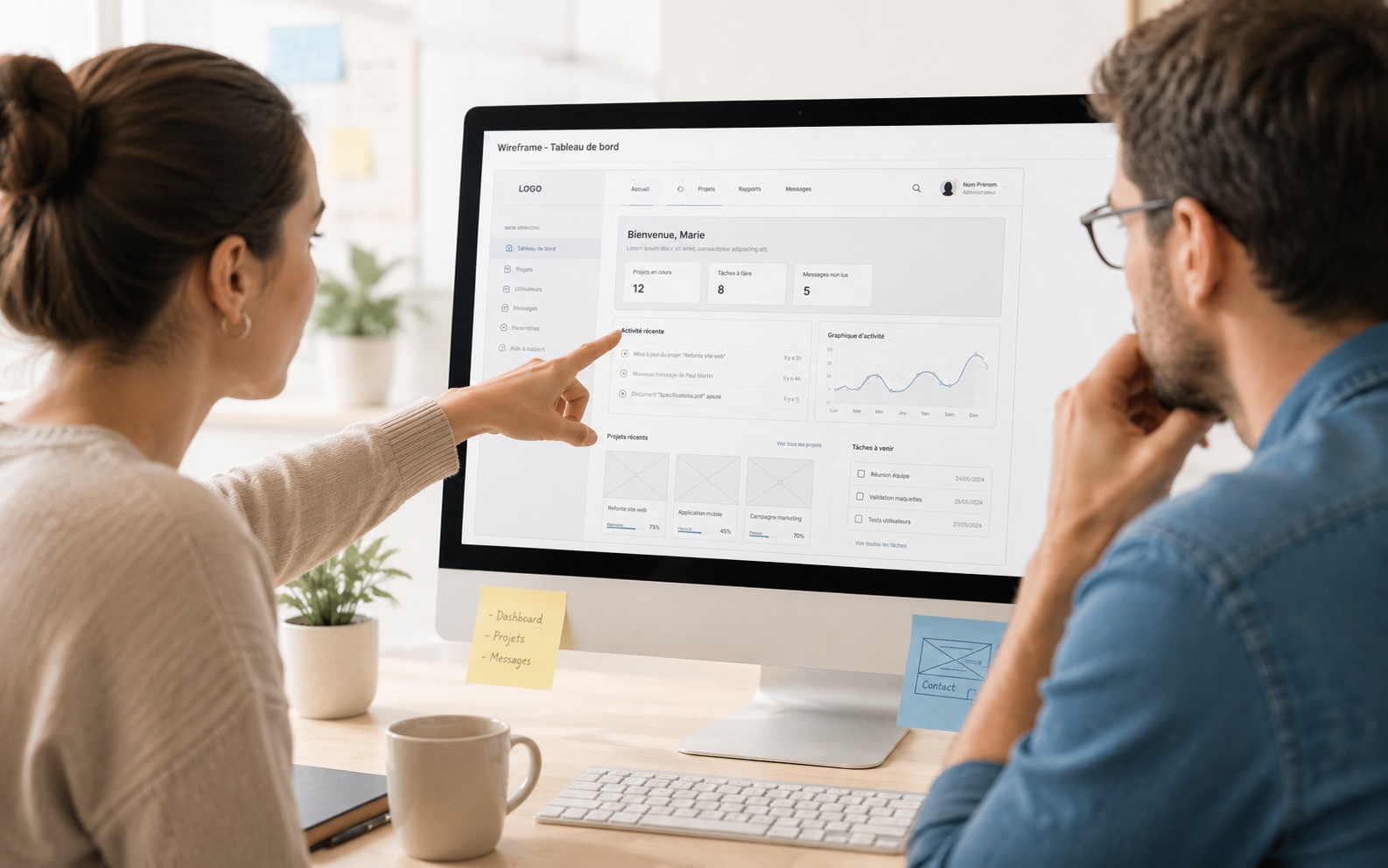
UX user testing session in progress
Introduction

Why run user tests?

User testing confronts an interface with reality: real people are placed in front of concrete tasks and we observe how they cope. The goal is not to validate, but to discover.

  • Identify friction points before they reach production.
  • Understand users' mental models and adjust design choices.
  • Prioritise fixes based on real behaviour, not internal opinions.
When to test?

Useful tests to improve the user experience.

You don't wait until everything is built to test. Whether on web, mobile, SaaS applications or software, depending on the project's maturity, sessions can focus on the existing product, on mockups or on a developed version.

On the existing product

Test the live site or application to reveal real friction points, misunderstandings and failing journeys before any redesign or evolution.

On wireframes

Validate UX decisions from the design phase, before any development. Testing on mockups allows early fixes, where changes cost the least.

After development

Check that a new application or update meets user expectations before or after a deployment. A final validation before going further.

Method

A structured approach and an essential step to optimise a user journey.

Each user test follows a multi-step process, adapted to the client's context: what we want to learn, who we test and under what conditions. In short, usability testing is an essential step to optimise the user journey.

1

Framing

Discussion with the client to identify what they want to test: a specific journey, a new component, a redesign or a feature to validate.

2

Test scenarios

Writing realistic tasks for participants to complete, without guiding them. Scenarios frame the session without influencing behaviour.

3

Recruitment

The client provides a list of participants or recruitment is handled: profile definition, selection criteria and session scheduling.

4

Sessions

Sessions take place remotely or in person depending on the context, with a moderator and, if needed, a separate observer to take notes.

5

Analysis

Synthesis of observations, grouping of recurring behaviours, identification of friction points and qualification of their impact on the experience.

6

Report and recommendations

Final deliverable with key observations, representative quotes, prioritised problems and concrete correction paths for the design and product teams.

Formats

Remote or in person depending on the context.

The two formats are complementary. The choice depends on the target audience, budget, participant availability and the type of interface to test.

Remote testing

Sessions via a video conferencing tool with screen sharing. Allows recruiting geographically dispersed profiles and quickly testing with a larger number of participants.

In-person testing

Face-to-face sessions in Brussels or Wallonia, ideal for observing physical behaviour, non-verbal reactions and specific usage contexts such as kiosks, shared devices or constrained environments.

Adapted format

Each session is calibrated to the scope: Figma prototype, HTML mockup, production application or a combination depending on what the client wants to evaluate.

Deliverable

A report to decide what to fix first.

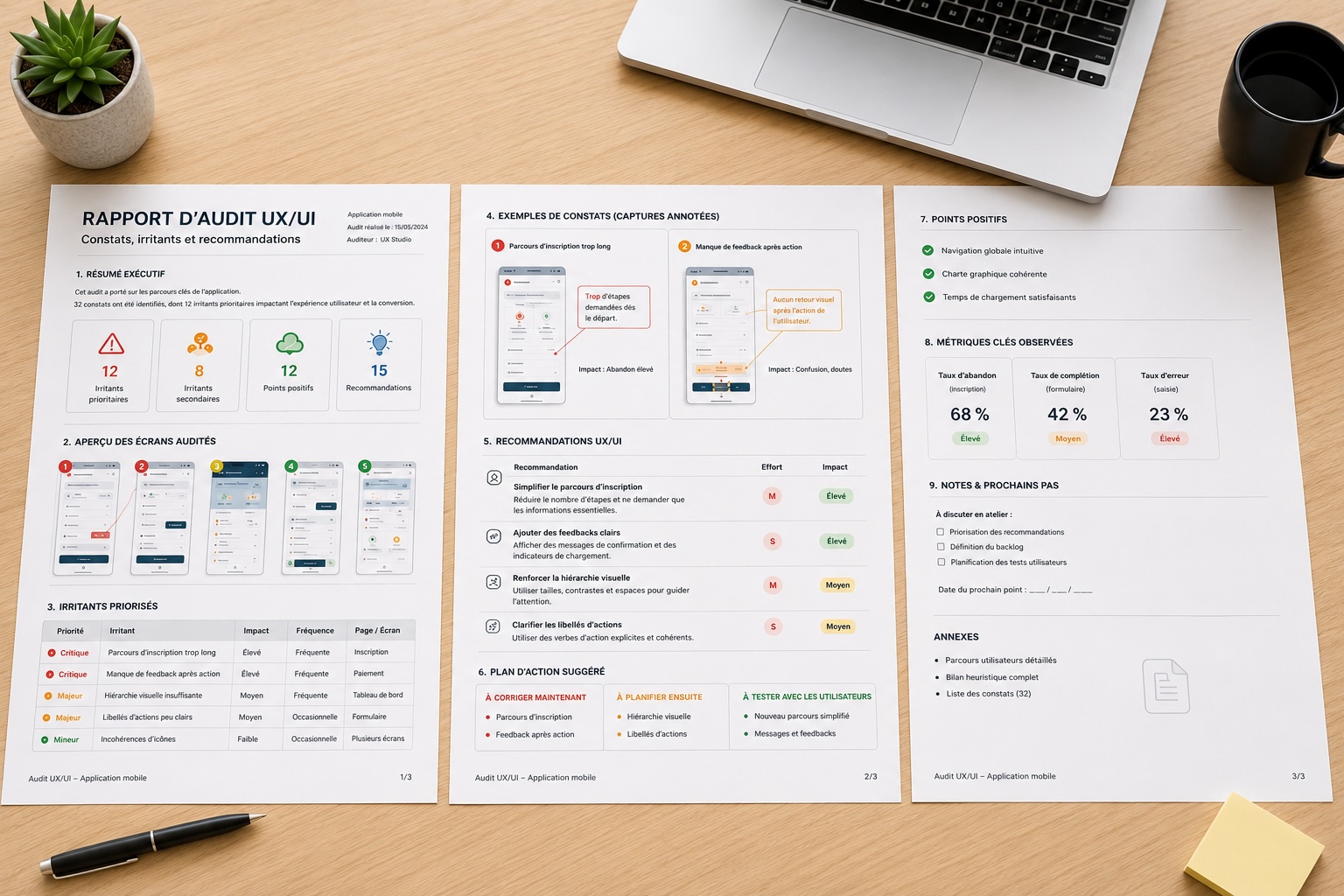
The user testing report gathers observations by task, significant quotes, identified problems and their frequency, as well as concrete recommendations prioritised by impact. It serves as a working basis for the design and product team.

PDF

Session synthesis, prioritised problems, quotes and actionable recommendations.

Example of a user testing report
Prioritised observations
Analysis of user testing results
Concrete recommendations